· The Rapid Architect Team · AI · 9 min read
Creating Skills to Automate Your Business Processes: A Practical Guide for SMB Success in 2025
Discover how small and medium businesses can create powerful automation skills to streamline operations, reduce errors, and free teams for higher-value work using accessible low-code platforms and AI-powered tools.

Podcast Discussion
Introduction
Every small and medium business owner knows the feeling: you’re drowning in repetitive tasks, your team is stretched thin, and there simply aren’t enough hours in the day to focus on what really matters—growing your business. What if you could teach your business systems to handle those mundane tasks automatically, freeing you and your team to focus on strategy, creativity, and customer relationships?
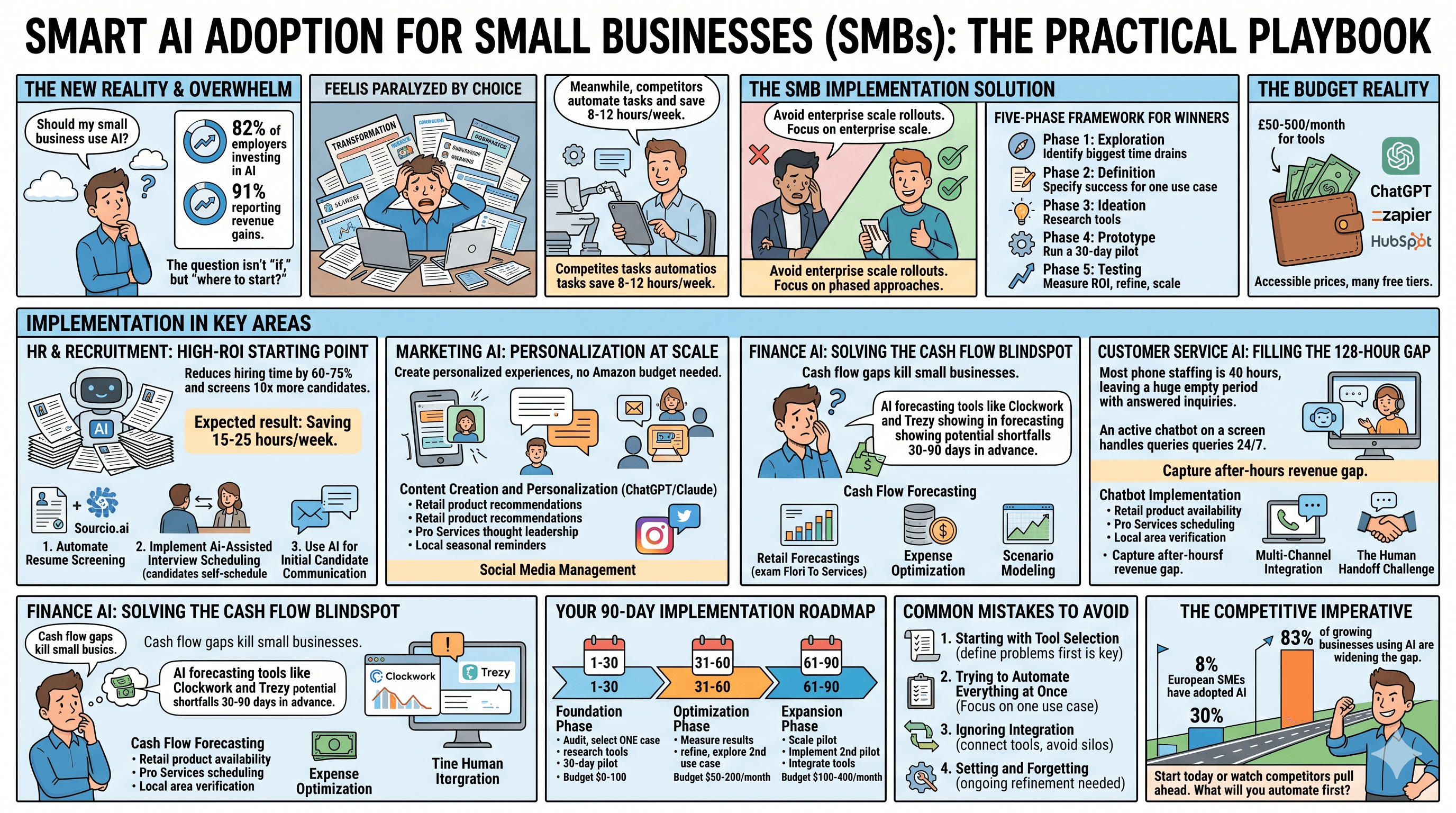
Welcome to the era of skills-based automation, where creating intelligent, reusable capabilities for your business processes isn’t just for enterprise giants anymore. In 2025, the democratization of automation tools has made it possible for businesses of all sizes to build powerful automated workflows without needing a computer science degree or a massive IT budget.
In this comprehensive guide, we’ll explore how you can create skills—modular, intelligent automation capabilities—that transform your business operations from manual and error-prone to streamlined and scalable.
Understanding Skills-Based Automation: The New Paradigm
Before diving into the how-to, let’s clarify what we mean by “skills” in the context of business automation. Think of a skill as a discrete capability that your automated systems can perform—much like how an employee develops specific competencies over time .
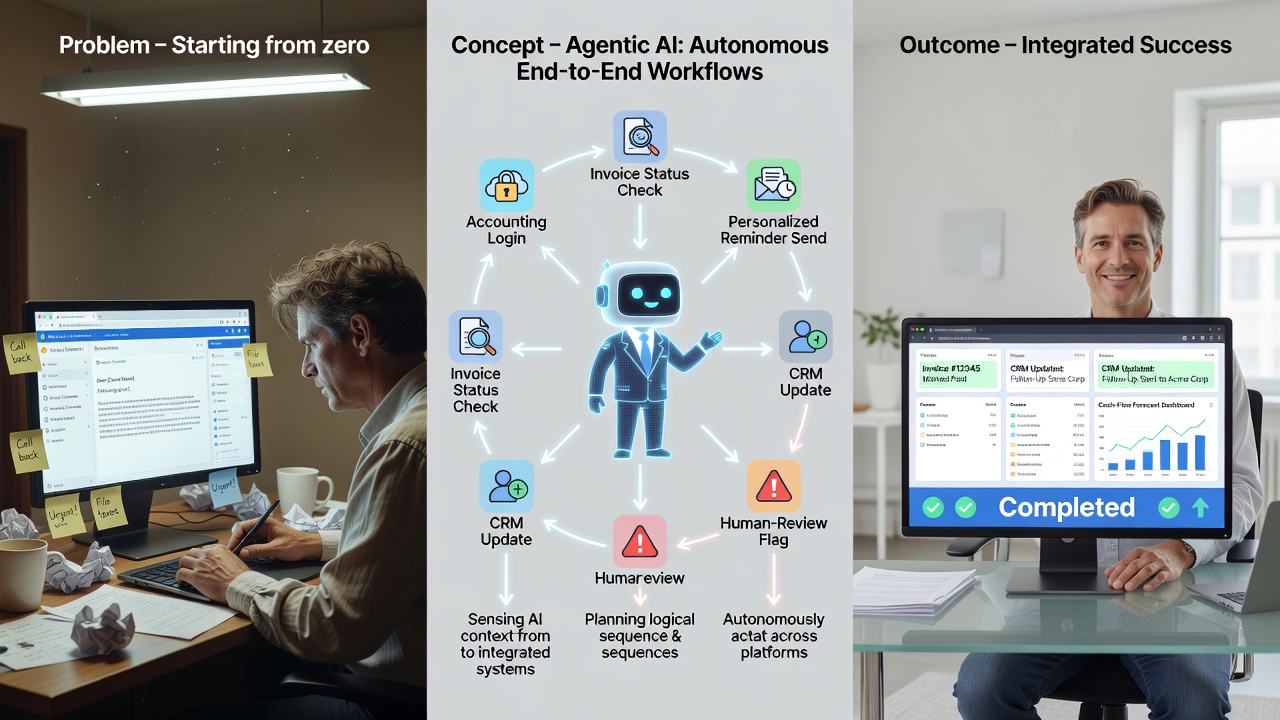
Traditional automation focused on rigid, rule-based workflows: if X happens, do Y. While useful, these systems broke down when encountering anything outside their narrow parameters. Skills-based automation takes a fundamentally different approach. Each skill is designed to understand context, make decisions, and adapt to variations in input while still achieving the desired outcome.
For example, a traditional automation might process invoices by looking for data in specific locations on a document. A skills-based approach, enhanced by artificial intelligence, can understand what an invoice is, extract relevant information regardless of format, and even flag anomalies that might indicate errors or fraud .
This shift represents a massive opportunity for SMBs. Rather than building complex, monolithic automation systems, you can develop individual skills that work together like building blocks, creating flexible solutions that grow with your business.
Identifying the Right Processes to Automate
Not every business process is a good candidate for automation. Before you start creating skills, you need to identify where automation will deliver the greatest return on investment. Here’s a framework for evaluating your processes:
Volume and Frequency
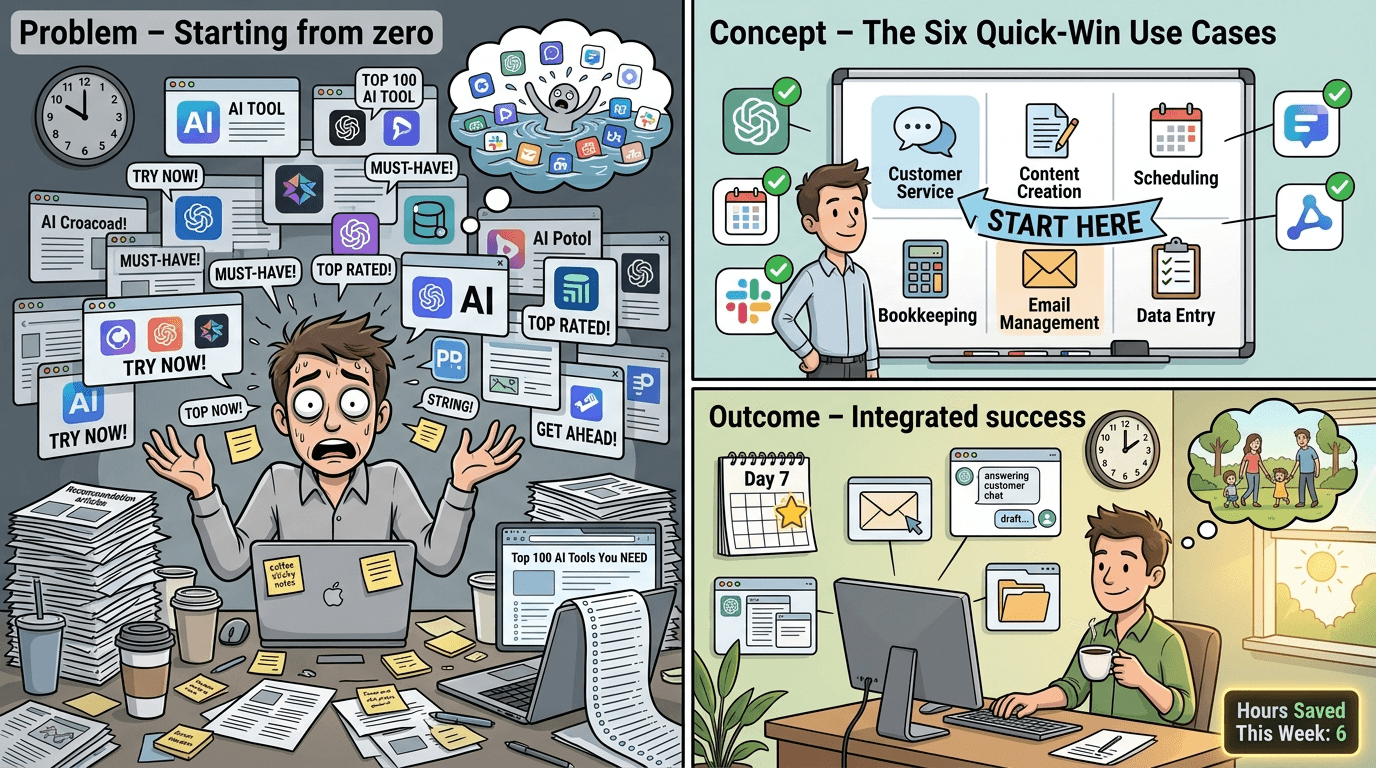
Processes that occur frequently and involve high volumes of transactions are prime candidates. Think about tasks your team performs dozens or hundreds of times per week: data entry, email responses, invoice processing, or inventory updates. The math is simple—automating a task that takes five minutes but happens 100 times weekly saves more than eight hours per week .
Consistency and Rules
Look for processes that follow predictable patterns, even if they require some decision-making. Modern AI-powered skills can handle nuanced decisions, but they work best when there’s an underlying logic to learn from. Customer inquiry routing, approval workflows, and compliance checks all fit this criteria.
Error Impact
Consider where human errors are costly or frequent. Manual data entry, for instance, typically has error rates between two and five percent. In financial processes, even small errors can cascade into significant problems. Automation skills can dramatically reduce these errors while maintaining audit trails .
Integration Complexity
Evaluate how many systems a process touches. Skills-based automation excels at bridging different software platforms, pulling data from one system, transforming it, and pushing it to another. If your team spends significant time copying information between applications, that’s a strong signal for automation.
Building Your First Automation Skills: A Step-by-Step Approach
Now let’s get practical. Here’s how to approach creating automation skills for your business, even if you’re starting from scratch.
Step 1: Document the Current Process
Before automating anything, you need to understand exactly how it works today. Shadow your team members as they perform the task. Document every step, decision point, and exception they encounter. This documentation becomes the blueprint for your automation skill.
Pay special attention to the “tribal knowledge”—those unwritten rules and judgment calls that experienced employees make automatically. These insights are crucial for building skills that handle real-world complexity .
Step 2: Choose Your Automation Platform
The good news for SMBs in 2025 is that you have more accessible options than ever. Low-code and no-code platforms have matured significantly, offering powerful capabilities without requiring traditional programming skills.
Popular options include Microsoft Power Automate, which integrates seamlessly with Office 365 environments; Zapier and Make (formerly Integromat), which excel at connecting different web applications; and specialized platforms like UiPath and Automation Anywhere that offer SMB-friendly tiers with AI capabilities .
When selecting a platform, consider your existing technology stack, your team’s technical comfort level, and the complexity of processes you need to automate. Many platforms offer free trials—take advantage of these to test before committing.
Step 3: Design Modular, Reusable Skills
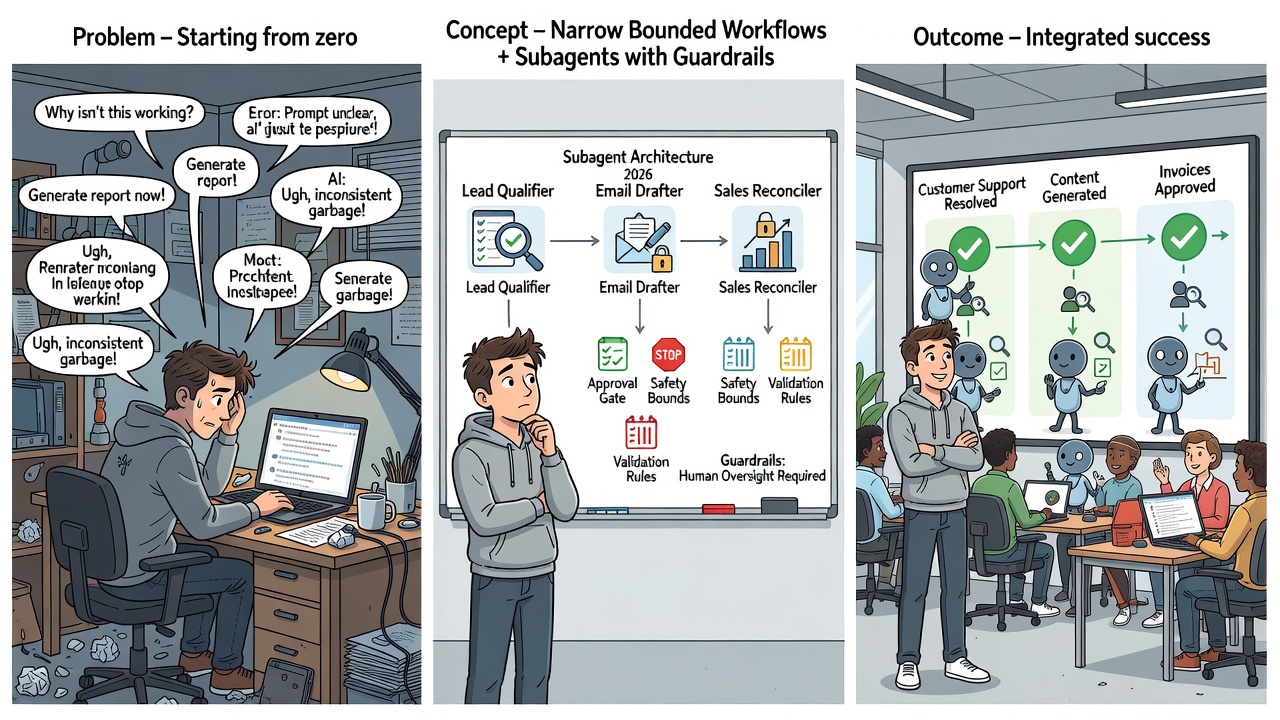
The key to sustainable automation is modularity. Rather than building one massive workflow, break your automation into discrete skills that can be combined and reused.
For example, if you’re automating your accounts payable process, you might create separate skills for document ingestion and classification, data extraction from invoices, vendor matching and validation, approval routing based on amount and category, and payment scheduling and execution.
Each skill handles a specific function and can be updated independently. Better yet, skills like document ingestion can be reused across different processes—the same capability that processes invoices might also handle purchase orders or contracts .
Step 4: Incorporate Intelligence Thoughtfully
Modern automation platforms increasingly incorporate AI capabilities, from optical character recognition (OCR) for document processing to natural language processing for understanding unstructured text. These capabilities can dramatically expand what your automation skills can handle.
However, approach AI integration thoughtfully. Start with well-established capabilities like document processing and sentiment analysis before venturing into more experimental territory. Always build in human oversight for decisions with significant business impact, and plan for how you’ll handle cases where the AI is uncertain .
Step 5: Test Extensively Before Deployment
Automation failures can be costly, both in direct errors and in eroded trust from your team. Before deploying any skill to production, test it thoroughly with real-world data.
Create test cases that cover normal operations, edge cases and exceptions, error conditions and recovery, and integration points with other systems. Many platforms offer sandbox environments where you can test without affecting live data. Use them liberally .
Real-World Examples: Skills in Action
Let’s look at how actual SMBs are using skills-based automation to transform their operations.
Case Study: Regional Accounting Firm
A 25-person accounting firm was struggling with the volume of client documents during tax season. They created a suite of automation skills that receive documents via email or client portal, classify documents by type using AI, extract relevant data and populate tax preparation software, flag missing information and automatically request it from clients, and route completed preparations for review.
The result? Document processing time dropped by 70 percent, and the firm handled 30 percent more clients without adding staff .
Case Study: E-commerce Retailer
An online retailer selling across multiple platforms built automation skills to synchronize inventory across all sales channels in real-time, automatically adjust pricing based on competitor monitoring, generate and send shipping labels when orders are placed, handle routine customer inquiries about order status, and identify and flag potential fraudulent orders.
These skills reduced overselling incidents by 95 percent and cut customer service response times from hours to minutes .
Case Study: Professional Services Firm
A consulting firm created skills to automate their proposal process, including pulling relevant case studies and credentials based on opportunity type, generating first-draft proposals from templates, routing for internal review and approval, tracking client engagement with sent proposals, and scheduling follow-up tasks based on client behavior.
Proposal turnaround time decreased from five days to less than 24 hours, and win rates improved by 15 percent due to faster response times .
Overcoming Common Implementation Challenges
While the benefits of automation are compelling, implementation isn’t without challenges. Here’s how to address the most common obstacles.
Employee Resistance
Your team may fear that automation threatens their jobs. Address this proactively by involving employees in identifying automation opportunities, emphasizing that automation handles tedious tasks so they can do more meaningful work, providing training on working alongside automated systems, and celebrating how automation makes their jobs better, not obsolete.
The most successful SMB automation initiatives position technology as a tool that amplifies human capabilities rather than replacing them .
Data Quality Issues
Automation is only as good as the data it works with. If your underlying data is inconsistent, incomplete, or inaccurate, your automation skills will struggle. Before deploying automation, audit your data quality, establish data governance practices, and consider skills specifically designed to clean and standardize data.
Scope Creep
It’s tempting to automate everything at once. Resist this urge. Start with a single, well-defined process, prove the value, and then expand. Each successful implementation builds organizational confidence and provides lessons for the next project .
Maintenance and Updates
Automation skills require ongoing attention. Business processes change, integrated systems update their interfaces, and edge cases emerge that weren’t anticipated. Build maintenance into your planning from the start, designating responsibility for monitoring and updating your automation skills.
Measuring Success: KPIs for Automation Initiatives
To justify continued investment in automation and identify opportunities for improvement, establish clear metrics for your automation skills.
Efficiency Metrics
Track time saved per process execution, volume of transactions handled, reduction in processing time, and employee hours redirected to higher-value work.
Quality Metrics
Monitor error rates before and after automation, exception rates requiring human intervention, compliance adherence, and customer satisfaction scores for automated interactions.
Financial Metrics
Calculate cost per transaction, return on automation investment, revenue impact from faster processing, and cost avoidance from error reduction.
Review these metrics regularly and use them to prioritize which skills to develop or enhance next .
Looking Ahead: The Future of Skills-Based Automation
The automation landscape continues to evolve rapidly. Several trends are shaping what’s possible for SMBs.
Generative AI is expanding what automation skills can handle, from drafting communications to analyzing complex documents to generating reports. These capabilities are becoming increasingly accessible through platform integrations .
Process mining tools can now automatically analyze your existing workflows and recommend automation opportunities, taking much of the guesswork out of identifying where to focus.
Interoperability between platforms continues to improve, making it easier to create skills that work across your entire technology ecosystem.
For SMBs willing to invest in building automation capabilities now, the competitive advantages will compound over time as these technologies mature.
Conclusion: Your Automation Journey Starts Today
Creating skills to automate your business processes isn’t a luxury reserved for large enterprises—it’s an accessible, practical strategy for SMBs ready to work smarter. By approaching automation thoughtfully, starting with high-impact processes, building modular and reusable skills, and measuring results rigorously, you can transform your operations and free your team to focus on what humans do best: building relationships, solving complex problems, and driving your business forward.
The tools are available, the platforms are mature, and the potential returns are significant. The only question is: which process will you automate first?
Start small, learn continuously, and build momentum. Your future self—and your team—will thank you for the investment you make today in creating the automation skills that will power your business tomorrow.