· The Rapid Architect Team · AI · 10 min read
AI Tools Stack for SMBs in 2026: Build Enterprise-Level Capabilities for Under $100/Month
Discover how to build a complete AI tools stack for your SMB for under $100/month. Learn which tools integrate best, avoid common mistakes, and start competing with enterprise-level capabilities today.

Podcast Discussion
Introduction
Introduction: The Great Equalizer Has Arrived
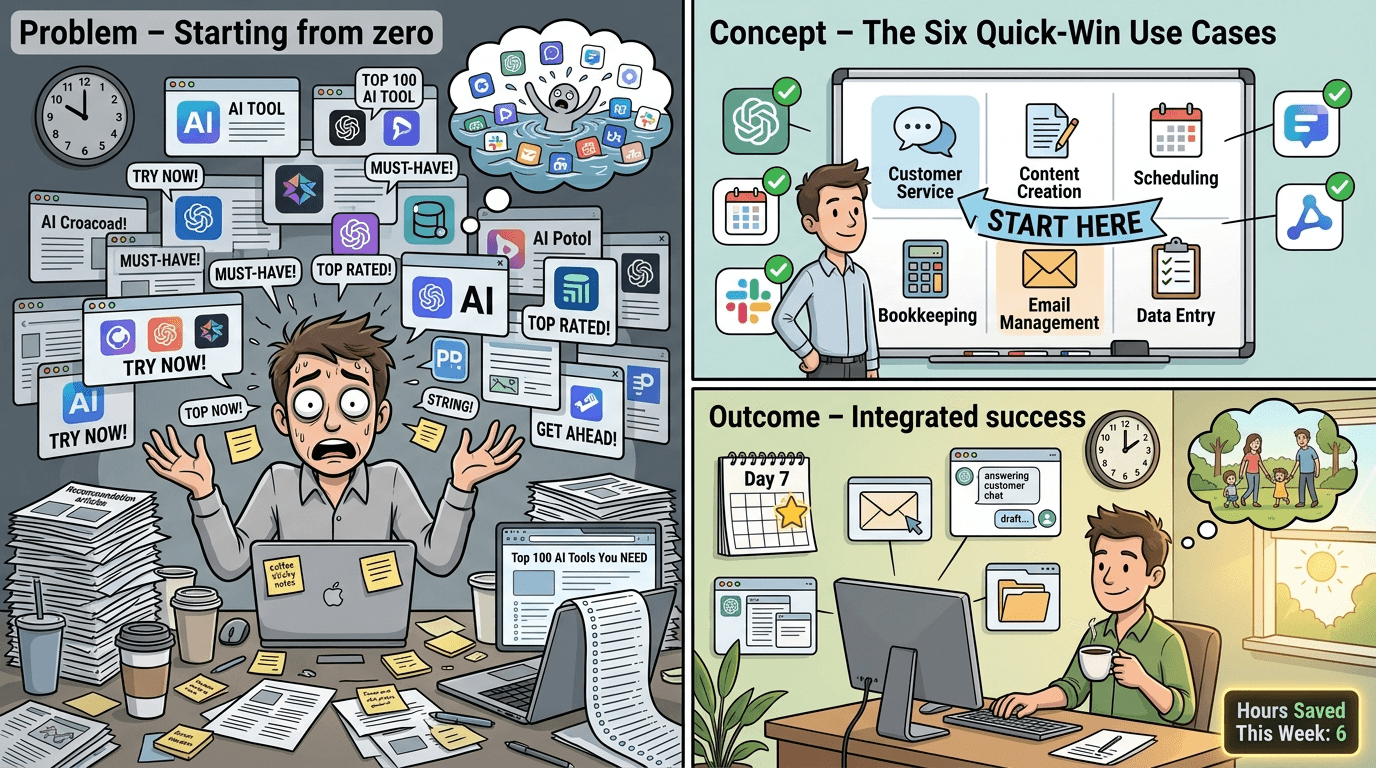
There are now over 12,000 AI tools on the market [10]. This number isn’t helpful—it’s paralyzing. Every week brings new entrants claiming to be the best writing assistant, the most powerful automation platform, or the smartest research tool. For small and medium business owners already stretched thin, the prospect of evaluating thousands of options feels less like an opportunity and more like another item on an endless to-do list.
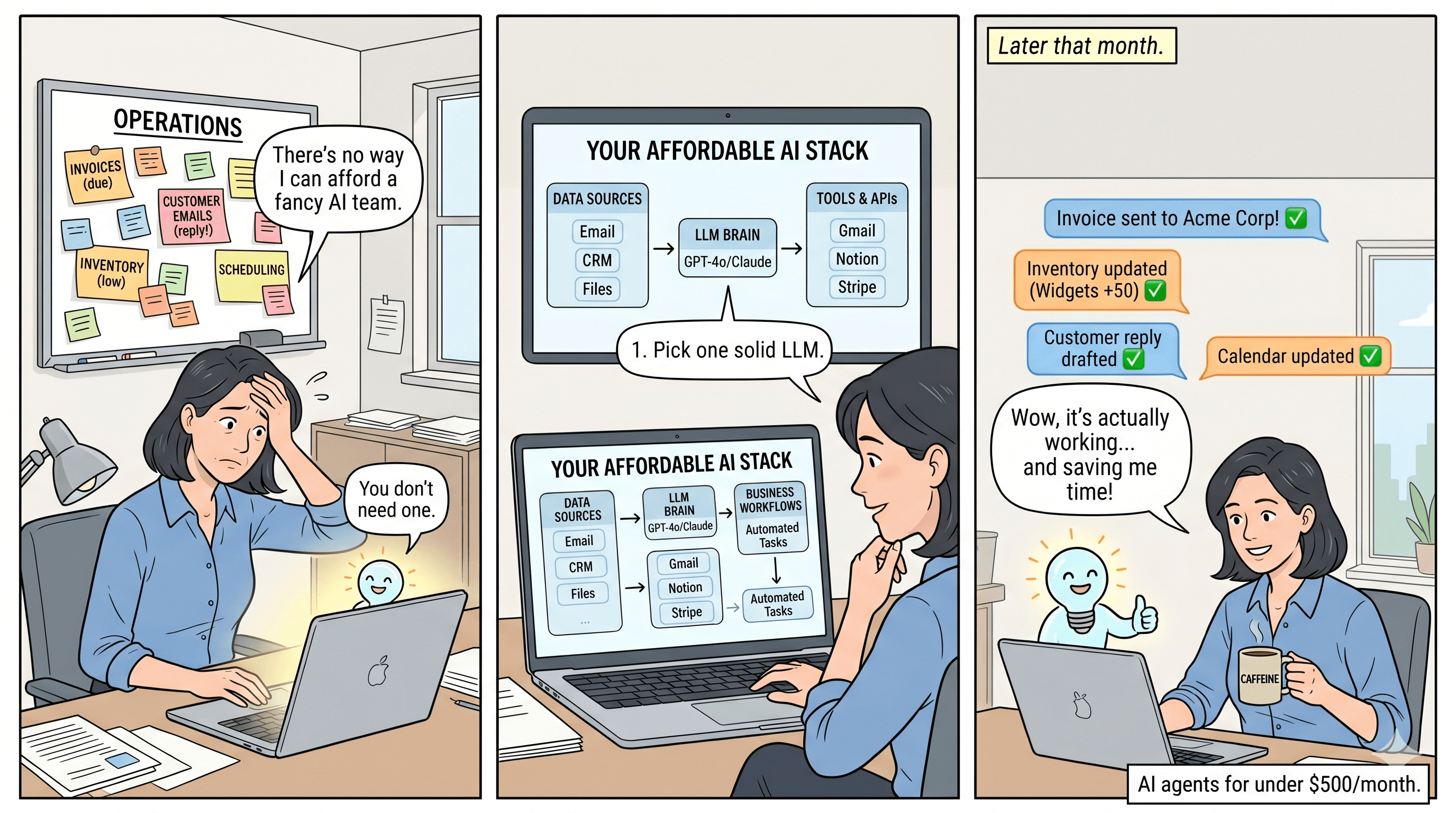
Here’s the good news: you don’t need thousands of tools. You need five to seven carefully selected ones that work together seamlessly. The even better news? A complete AI stack that rivals what enterprise companies deploy can now cost you less than $100 per month—sometimes as little as $50 [3].
This isn’t theoretical. SMBs across industries are discovering that the right combination of AI tools can replace entire categories of software subscriptions and even some contractor relationships. One case study revealed a 450-person company that consolidated more than 100 software subscriptions into a lean five-tool AI stack [8]. While your business may be smaller, the principle scales beautifully: strategic tool selection beats tool accumulation every time.
In this guide, we’ll walk through exactly how to build an AI tools stack that’s affordable, integrated, and genuinely useful for your daily operations. No fluff, no feature lists you’ll never use—just practical recommendations backed by real-world testing and clear ROI metrics.
Why Most SMBs Overspend on Software (And How to Stop)
Most small businesses overspend on software by three to five times because they buy tools reactively—adding one here, another there, until they’re paying for overlapping features across a dozen platforms [4]. Sound familiar?
The reactive approach creates three problems. First, you end up with tools that don’t integrate, forcing manual data transfer between systems. Second, you pay for premium features in multiple tools when you only need them in one. Third, your team wastes hours learning interfaces they’ll barely use.
The solution is thinking in terms of a “stack”—a coordinated set of tools where each component serves a specific function and connects smoothly with the others. AI tools are no longer experimental add-ons for small businesses. In 2026, they sit inside daily operations: lead handling, meeting capture, SOP creation, workflow routing, and expert content production [6].
Before we dive into specific recommendations, let’s establish what actually matters when evaluating AI tools for your business. Most roundups focus on features. Business owners care about different metrics: hours saved per week, error reduction rates, and customer response improvements [6]. Keep these outcomes in mind as we explore your options.
The Core AI Stack: Five Essential Categories
1. AI Writing and Research Assistant
Recommended Tools: ChatGPT Plus ($20/month) or Claude Pro ($20/month)
Every SMB needs a capable AI assistant for writing, research, and analysis. The two leading options in 2026 are ChatGPT Plus and Claude Pro, both priced at $20 per month [1].
ChatGPT Plus excels at quick tasks, brainstorming, and general-purpose writing. It’s the Swiss Army knife of AI assistants—good at many things, exceptional at responding quickly and handling diverse requests.
Claude Pro shines for long-form content, detailed analysis, and tasks requiring nuanced understanding. If your business produces substantial written content—proposals, reports, documentation—Claude’s ability to maintain context over longer conversations makes it particularly valuable [1].
Practical Application: A marketing consultant might use Claude to draft a 15-page client strategy document, then switch to ChatGPT for quick social media caption ideas throughout the day. Many businesses find value in having both, though starting with one is perfectly reasonable.
ROI Insight: Business owners report saving five to ten hours weekly on content creation and research tasks with these tools [5]. At an effective hourly rate of even $50, that’s $250 to $500 in recovered time weekly—far exceeding the $20 monthly investment.
2. AI-Powered Design
Recommended Tool: Canva Pro ($13/month)
Design work that once required expensive software and professional skills is now accessible to anyone. Canva Pro’s AI features have matured significantly, offering background removal, text-to-image generation, and smart resize capabilities that adapt designs for different platforms automatically [1].
Practical Application: A restaurant owner can create professional social media graphics, menu updates, and promotional materials without hiring a designer. The AI suggests layouts, generates images, and maintains brand consistency across all materials.
Integration Note: Canva connects directly with most social media schedulers and integrates with automation platforms, meaning your designs can flow automatically into your publishing workflow.
3. Workflow Automation
Recommended Tools: Make.com Core ($9/month) or Zapier (free tier available)
Automation is where AI tools truly multiply their value. Make.com and Zapier connect your various tools, allowing them to share data and trigger actions automatically [1].
Practical Application: When a new lead fills out your website form, automation can instantly add them to your CRM, send a personalized welcome email, notify your sales team via Slack, and create a follow-up task—all without human intervention.
Make.com Core at $9 per month offers generous automation allowances and visual workflow building. Zapier’s free tier works for businesses with simpler needs, though paid plans unlock more sophisticated workflows [3].
The Compound Effect: Automation becomes exponentially more valuable as you add AI tools. Your AI writing assistant can draft responses, your automation platform can send them, and your AI customer service tool can handle follow-ups—creating a seamless system that runs while you focus on high-value work.
4. Customer Service AI
Recommended Tools: Tidio AI ($29/month) or Intercom Fin (usage-based pricing)
Here’s a statistic that should grab your attention: 67% of consumers expect immediate responses to their inquiries [7]. For SMBs without 24/7 staff, AI customer service tools bridge this gap affordably.
Tidio AI at $29 per month provides chatbot capabilities, live chat, and AI-powered response suggestions. It handles common questions automatically while seamlessly escalating complex issues to human team members [1].
Intercom Fin operates on a usage-based model, charging per resolution rather than a flat monthly fee. For businesses with variable customer service volumes, this can be more economical [7].
Practical Application: An e-commerce store implements Tidio to handle shipping inquiries, return requests, and product questions. The AI resolves 60% of inquiries without human involvement, and customers receive instant responses at 2 AM just as easily as 2 PM.
5. Meeting Intelligence
Recommended Tools: Fireflies.ai (free tier) or Otter.ai ($16.99/month)
Meeting notes and action items represent a massive time sink for most businesses. AI meeting assistants join your calls, transcribe conversations, identify action items, and generate summaries automatically [6].
Fireflies.ai offers a generous free tier that covers basic transcription needs. Otter.ai’s paid plan adds features like real-time collaboration and CRM integration [2].
Practical Application: A consulting firm uses Fireflies to document all client calls. After each meeting, the AI generates a summary email, extracts commitments made by both parties, and creates tasks in the project management system. Partners spend zero time on meeting documentation while maintaining better records than ever before.
Budget Tiers: Stacks for Every Business Size
The $0-$50/Month Stack (Startup/Solopreneur)
For businesses just starting their AI journey or operating on minimal budgets, a powerful stack is still achievable [3]:
- ChatGPT Free or Claude Free: Limited but capable AI assistance
- Canva Free: Core design features without AI enhancements
- Zapier Free: Up to 100 tasks per month
- Tidio Free: Basic chatbot with limited AI
- Fireflies.ai Free: Meeting transcription with usage limits
Total: $0/month
This stack lets you experience AI capabilities before committing budget. As you identify which tools deliver the most value, you can selectively upgrade.
The $91/Month Stack (Growth Stage)
This is the sweet spot for most SMBs—enterprise-level capabilities at a fraction of enterprise pricing [1]:
- ChatGPT Plus: $20/month
- Claude Pro: $20/month
- Canva Pro: $13/month
- Make.com Core: $9/month
- Tidio AI: $29/month
Total: $91/month
With both ChatGPT and Claude, you get the best of both AI assistants. Full automation capabilities and AI customer service round out a stack that genuinely competes with what large companies deploy.
The Sub-$200/Month Complete Stack (Established SMB)
For businesses ready to maximize AI capabilities across all operations [4]:
- Everything in the $91 stack
- Otter.ai Business: $20/month
- Notion AI: $10/month per user
- Additional automation capacity: Variable
Total: $120-$200/month
This stack adds sophisticated meeting intelligence, AI-enhanced project management, and room for specialized tools based on your industry needs.
Integration Strategies: Making Your Stack Work Together
Individual tools deliver value. Integrated tools deliver transformation. Here’s how to connect your AI stack for maximum impact.
The Content Production Pipeline
- Use Claude to draft long-form content from your meeting notes (pulled automatically from Fireflies)
- Send drafts to Canva via Make.com for automatic graphic generation
- Route completed content to your scheduling tool for publication
- Track engagement and feed insights back to Claude for optimization
The Customer Journey Automation
- Tidio captures initial customer inquiries
- Make.com routes information to your CRM
- ChatGPT drafts personalized follow-up sequences
- Automation sends communications at optimal times
- AI analyzes responses and adjusts approach
The Meeting-to-Action System
- Fireflies transcribes all meetings automatically
- AI extracts action items and deadlines
- Make.com creates tasks in your project management tool
- Team members receive assignments via Slack
- Follow-up reminders trigger automatically
The key principle: data should flow between tools without manual intervention. Every time you copy-paste information between systems, you’ve identified an automation opportunity [8].
Common Mistakes to Avoid
Mistake 1: Buying Tools Before Defining Workflows Tools don’t make you money—systems do [10]. Before subscribing to any AI tool, map out exactly how it fits into your existing processes and what outcome you expect.
Mistake 2: Chasing New Releases The AI landscape moves fast, and shiny new tools launch weekly. Resist the urge to constantly switch. A tool you’ve mastered delivers more value than a theoretically superior tool you’re still learning.
Mistake 3: Ignoring Integration Capabilities A powerful tool that doesn’t connect with your other systems creates data silos and manual work. Always verify integration options before committing.
Mistake 4: Underinvesting in Automation The automation layer (Make.com or Zapier) is often where SMBs under-allocate budget. This is precisely where AI tools compound their value. Consider allocating more here rather than adding another standalone tool.
Measuring Your AI Stack ROI
To justify and optimize your AI investment, track these metrics:
- Hours saved per week: Log time before and after AI implementation for key tasks
- Customer response time: Measure how quickly inquiries receive initial responses
- Content output: Track volume and quality of content produced
- Error reduction: Monitor mistakes in repetitive tasks
- Revenue per employee: The ultimate efficiency metric
Most SMBs find their AI stack pays for itself within the first month through time savings alone [5]. The ongoing value compounds as you refine workflows and discover new applications.
Conclusion: Start Lean, Scale Smart
The AI tools landscape in 2026 offers SMBs unprecedented capabilities at accessible price points. A thoughtfully constructed stack costing less than $100 monthly can genuinely rival what enterprise companies deploy—if you choose wisely and integrate strategically.
Start with the essentials: one AI writing assistant, basic automation, and one tool addressing your biggest operational pain point. Master these before expanding. As you identify bottlenecks and opportunities, add tools that integrate with your existing stack rather than operate in isolation.
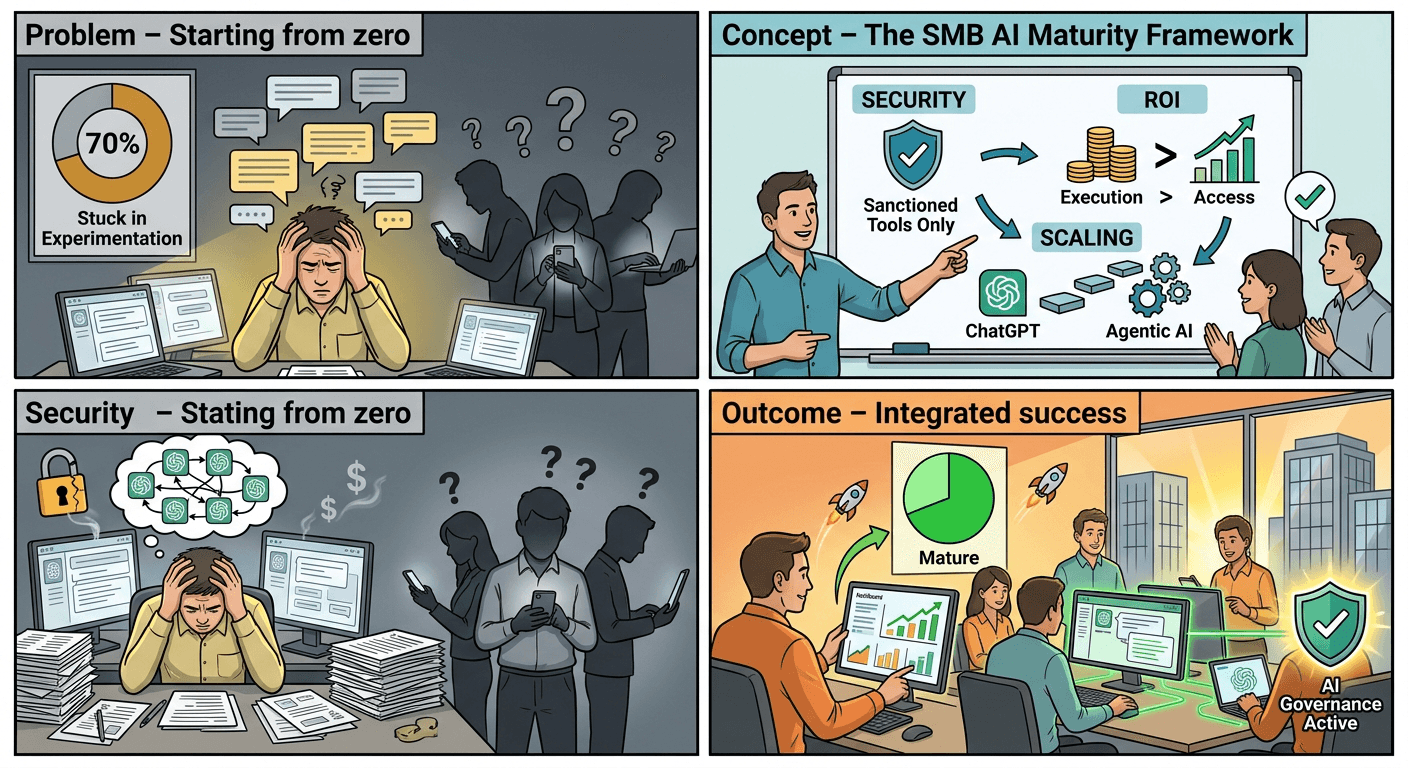
The businesses thriving with AI aren’t those with the most tools—they’re those with the most intentional systems. Your competitive advantage isn’t access to AI (everyone has that now). It’s your ability to weave AI into workflows that serve your specific customers and operations.
Begin this week. Pick one tool from this guide, implement it for a single use case, and measure the results. Then build from there. The $100/month AI stack that transforms your business starts with a single subscription and a willingness to experiment.
The technology is ready. The pricing is accessible. The only question is whether you’ll act on the opportunity in front of you.
Sources
- [1] https://betonai.net/best-ai-tools-for-small-business-2026-complete-stack-under-100/ - Complete AI stack recommendations under $100/month with specific tool pricing
- [2] https://www.aiviewer.ai/guides/best-ai-tools-for-small-business-2026/ - Comprehensive guide to AI tools for small business with real workflows
- [3] https://neuwark.com/blog/zero-to-fifty-ai-stack-small-business - Budget AI stack options for $0-$50/month range
- [4] https://dewx.com/th/blog/perfect-smb-tech-stack-2026 - Analysis of SMB software overspending and stack optimization
- [5] https://www.quicksprout.com/ai-stack-for-small-businesses/ - Time-saving metrics and ROI analysis for AI tools
- [6] https://workflowaisuite.com/ai-tools-for-small-business/ - Stress-tested AI tools with hours saved and error reduction metrics
- [7] https://nesyona.com/articles/best-ai-tools-small-business - Consumer expectations data and AI customer service tools comparison
- [8] https://aioperator.com/blog/the-5-tool-ai-stack-replacing-100-subscriptions-for-small-businesses - Case study of subscription consolidation through AI stack
- [10] https://scalopa.com/the-ultimate-ai-tools-stack-for-digital-entrepreneurs-in-2026-a-category-by-category-guide/ - Market analysis of 12,000+ AI tools and systems-first approach